
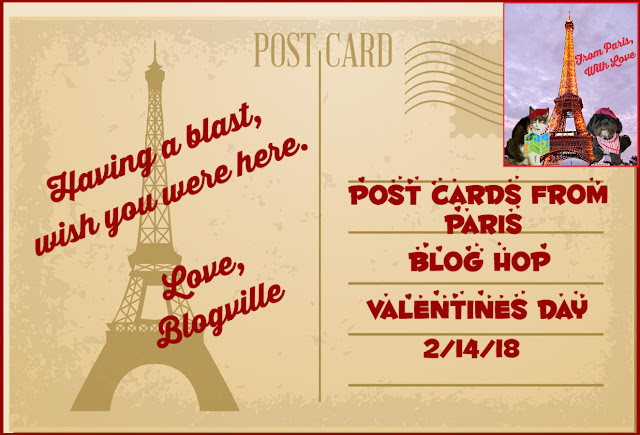
Are you all ready to head to Paris for Valentine's Day??
Before
we get started with class today, we have had a couple of questions regarding exactly what
people should post for the Postcards from Paris Blog Hop.
First...you
can make a Post Card showing yourself enjoying the day alone, with a
furiend, or with your Valentine! Just post the picture and link on up to
the Blog Hop!
You
can also do a post showing how you are spending your time while in the City
of Love, and include your Post Card(or snap shot) at the beginning or
end of your post.
Just be creative, have fun with it and we can't wait to see what you come up with!
Now...on to our tutorial!
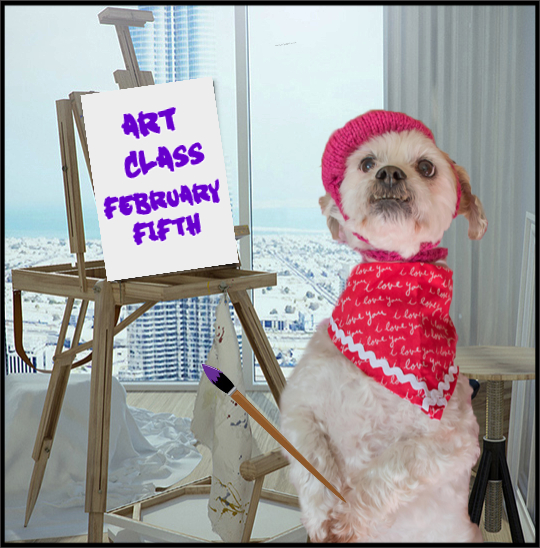
Disclaimer from Pawfessor Jakey and Mama:
When we started this tutorial we didn't realize how much Basic Pizap had changed. It now requires an "Account" to save your pictures. We understand if this isn't something you want to do, but we wanted to let you know it is possible to delete the account after you have saved your picture. We(Jakey and Mama) haven't had any issues with Pizap spamming us, but we are Pro members. We did create a temporary account in order to do this tutorial and haven't had any issues either.
When we started this tutorial we didn't realize how much Basic Pizap had changed. It now requires an "Account" to save your pictures. We understand if this isn't something you want to do, but we wanted to let you know it is possible to delete the account after you have saved your picture. We(Jakey and Mama) haven't had any issues with Pizap spamming us, but we are Pro members. We did create a temporary account in order to do this tutorial and haven't had any issues either.
With that said, let's get started!
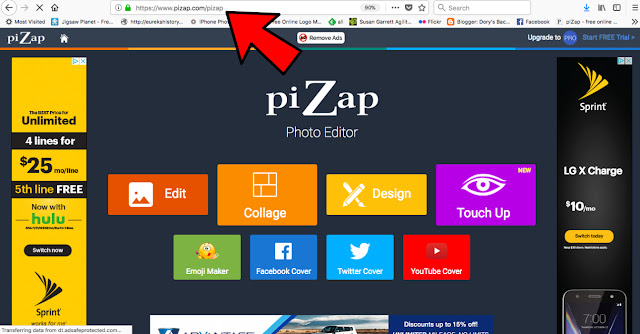
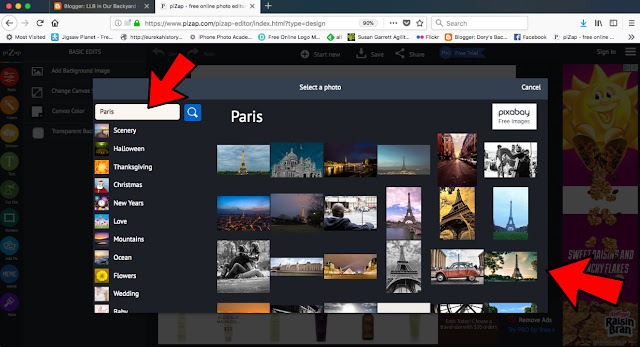
First, head over to Pizap.com
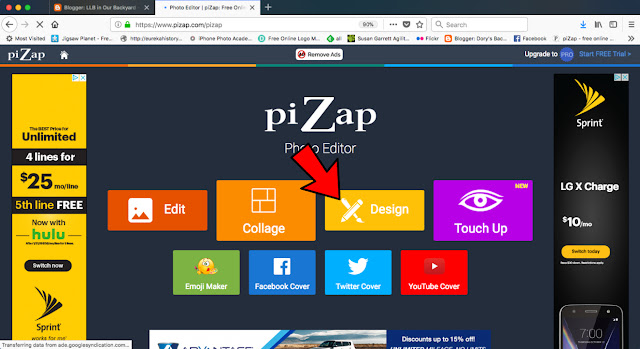
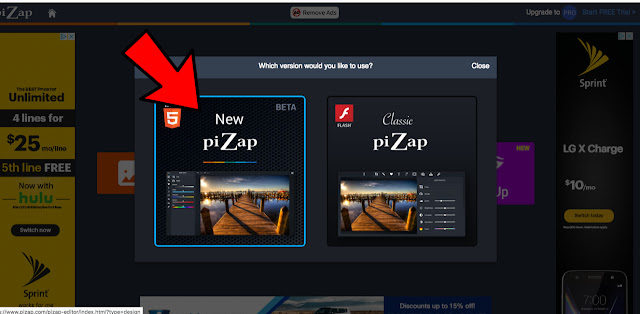
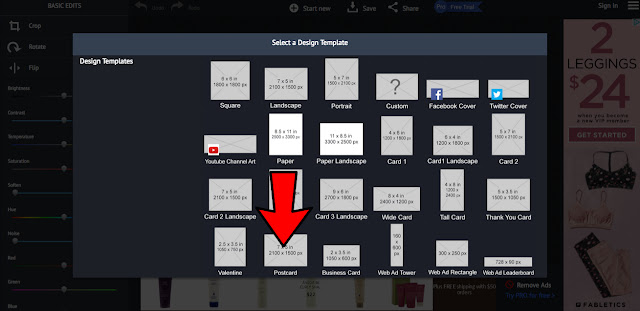
(but feel free to experiment with any template)
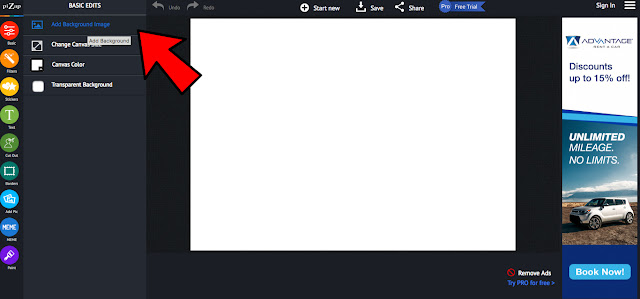
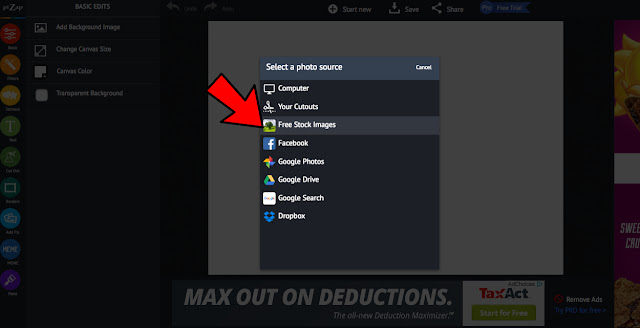
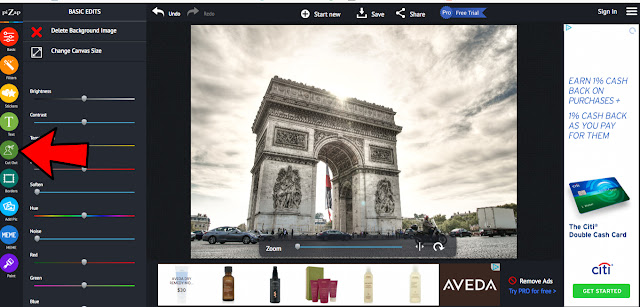
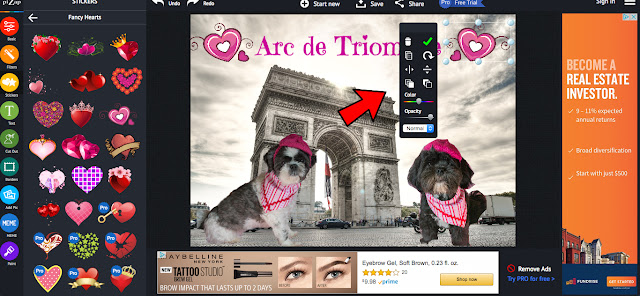
After you have the background the way you want it, let's add our subjects! Click the Cut Out icon on the left.
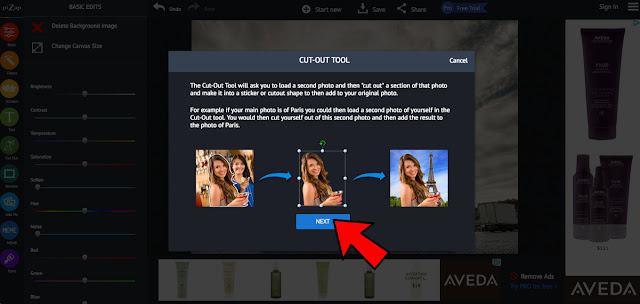
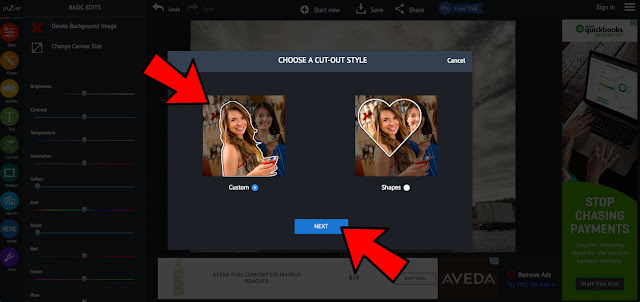
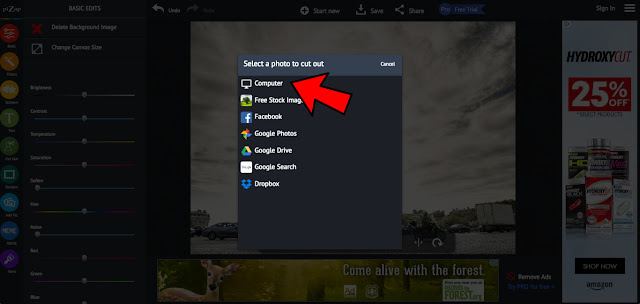
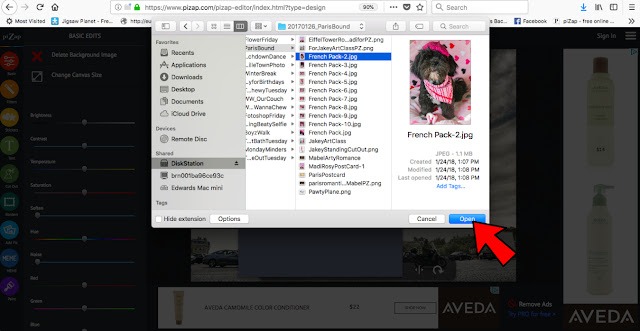
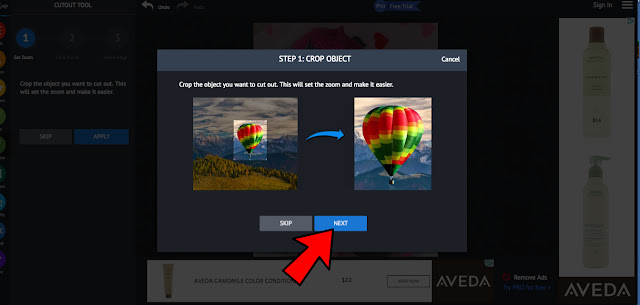
(you can also skip this if your photo is already a good size)
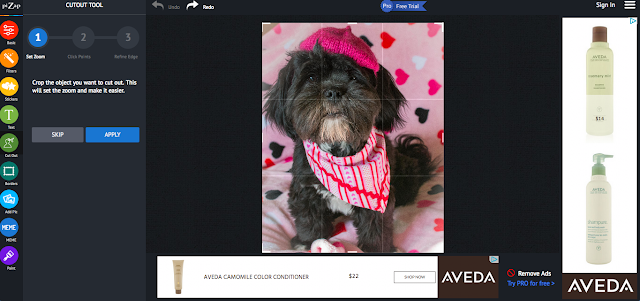
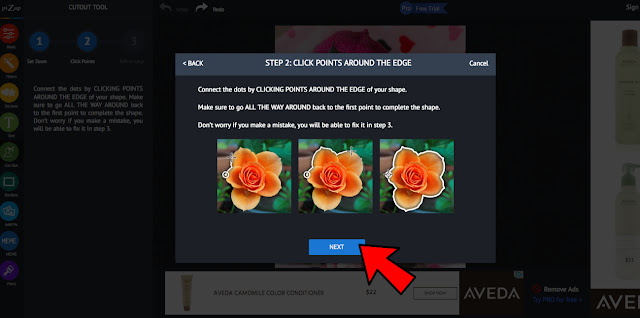
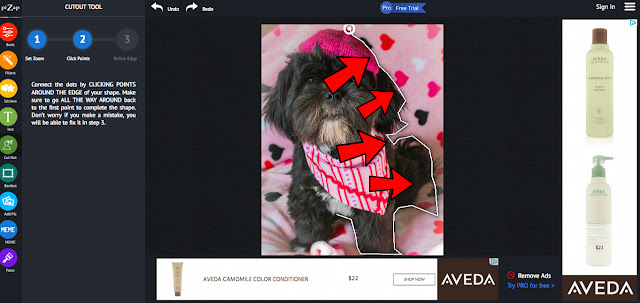
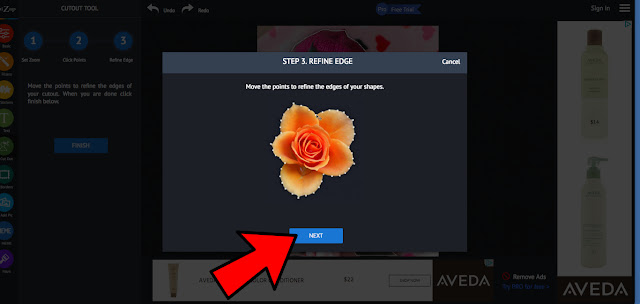
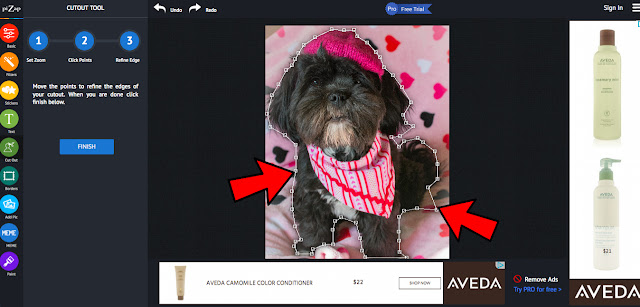
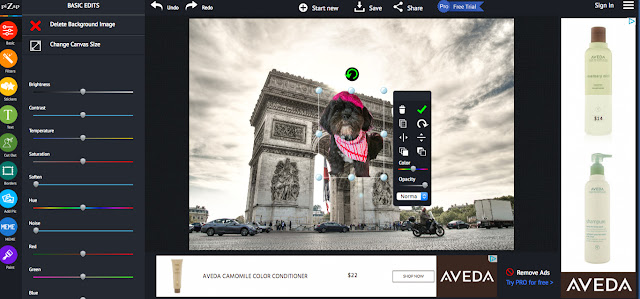

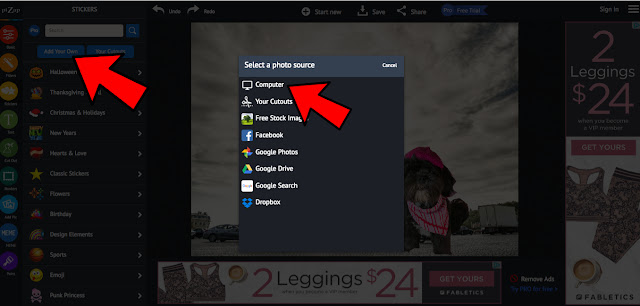
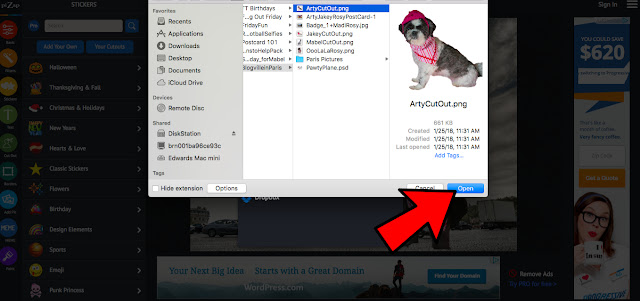
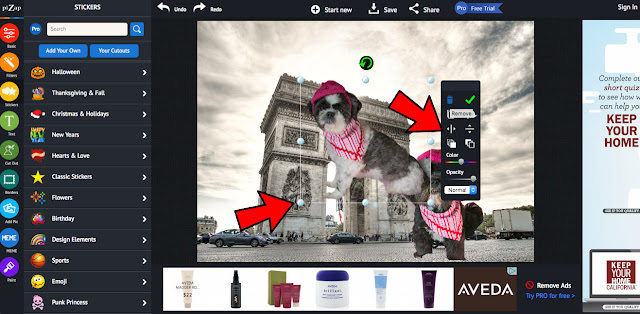
Now...We are going to use a slightly different way to add Arty! We keep cut outs of our pack to use in different Blogville events, this time we are going to add our own cut out.
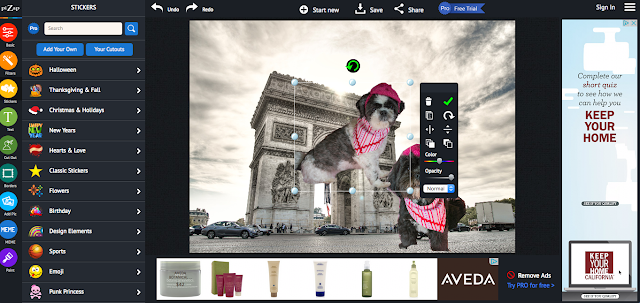
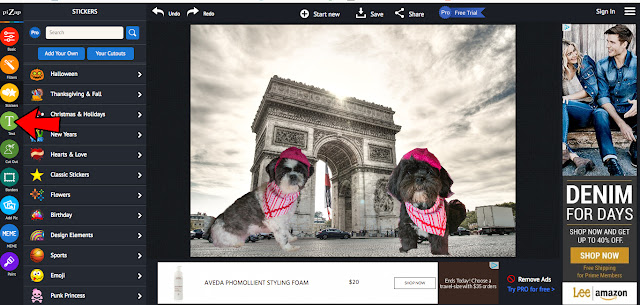
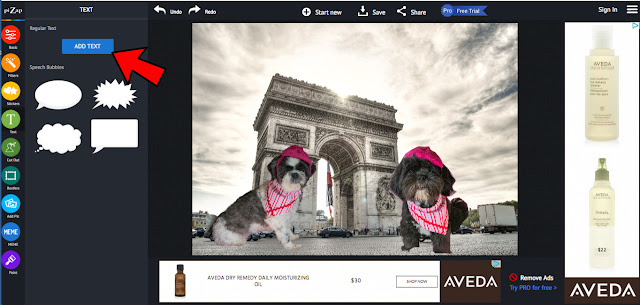
We also added text to let everyone know where we are!
We clicked the Text icon on the left side.

We used the Emily's Candy font, but if you click on the Font box, Pizap has bunches and bunches of fonts to choose from!

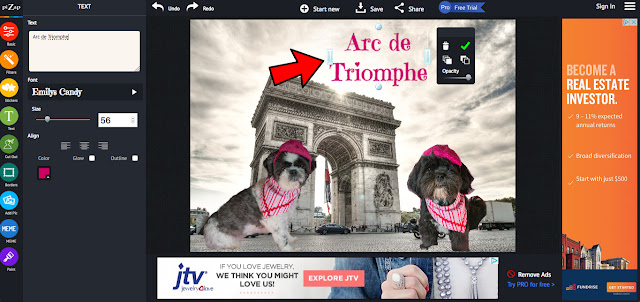
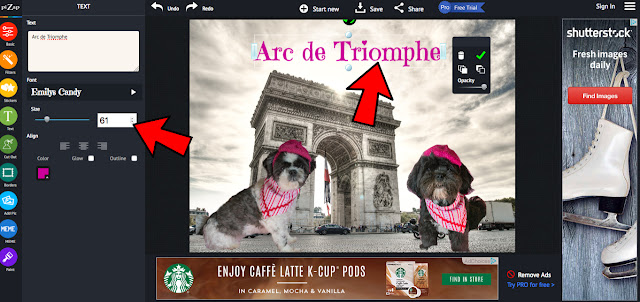
Then you can adjust the size of the font with the little toggle buttons next to the font size.
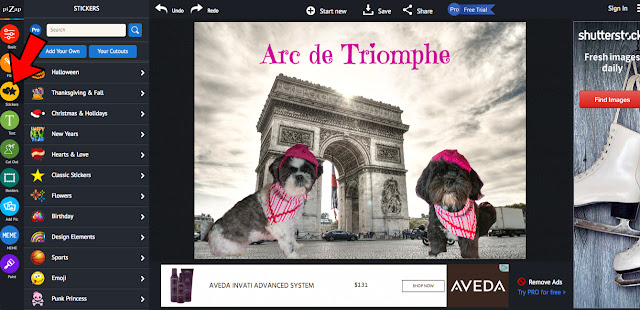
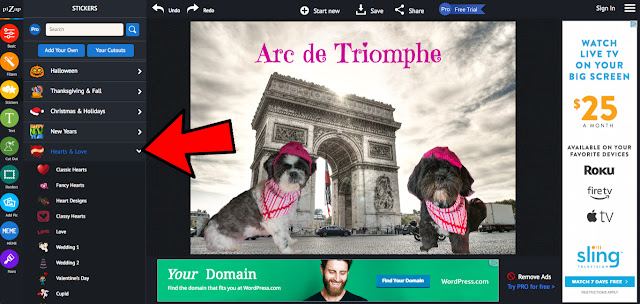
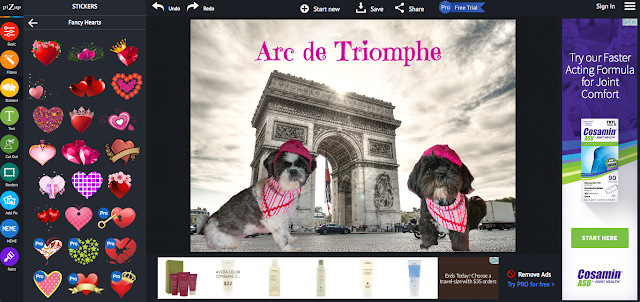
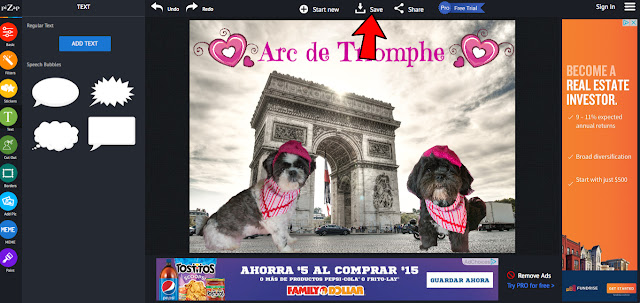
Now it's time to save our masterpiece!
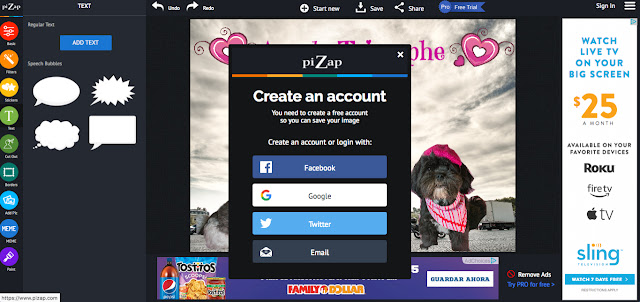
After you create an account it will bring you to this screen
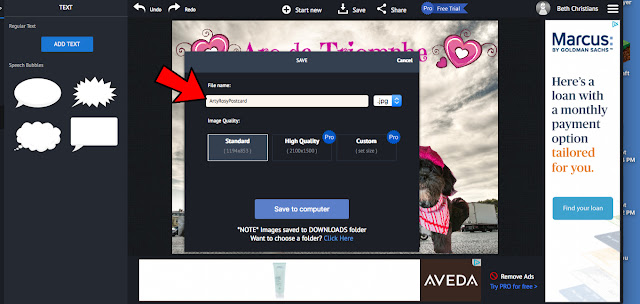
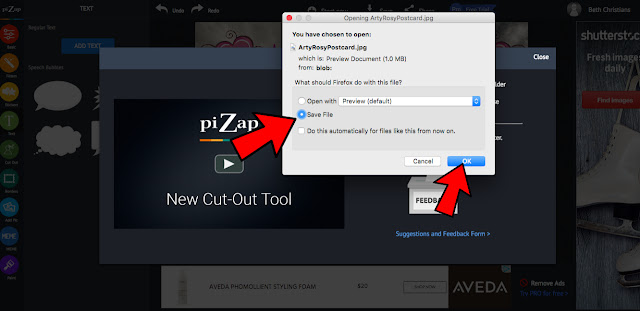

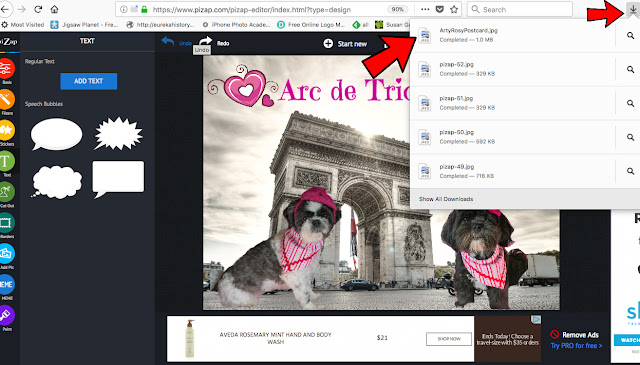
We have a MAC, so Mama opened the post card by double clicking the Arty Rosy Post Card file
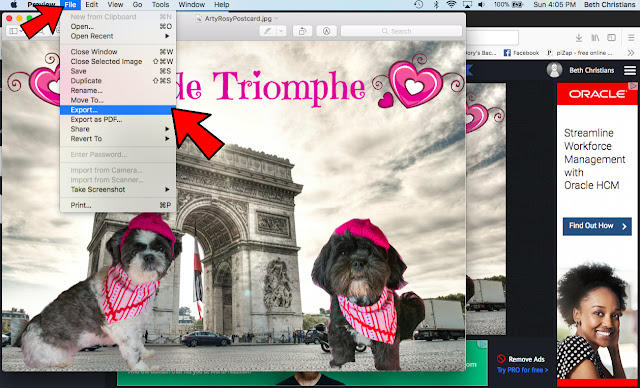
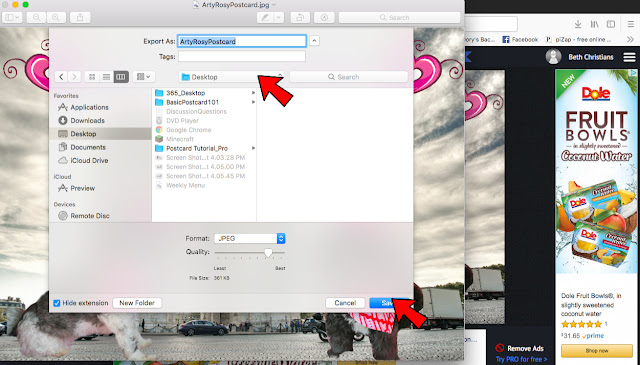

Still confused? Ask questions in the comments or email us and we will do our best to answer them! Mama and I(Jakey) would also be happy to make a post card for you and email it back to you in time for the blog hop!
For those who would like to schedule their Valentine Day post, we should have the Linkytool added to our Hoppity Page later this afternoon or tomorrow!


